Think about the last time you checked in for a flight. You walked up to a kiosk, scanned your passport or boarding pass, selected your seat, printed your boarding pass, and were done in under a minute. No one had to type in your details. No one had to search for your booking. No one had to call across a colleague to confirm your gate.
That same logic, applied to a corporate office, is what a self-service check-in kiosk does. And yet, most offices in 2026 still have a receptionist manually entering visitor details into a system while the visitor stands there waiting. The technology to change that has existed for years. The question is no longer whether it works. It is why more organizations have not made the switch.
This guide covers everything you need to know, from how self-service check-in kiosks work to what to look for when choosing one for your office.
What Is a Self-Service Check-In Kiosk?
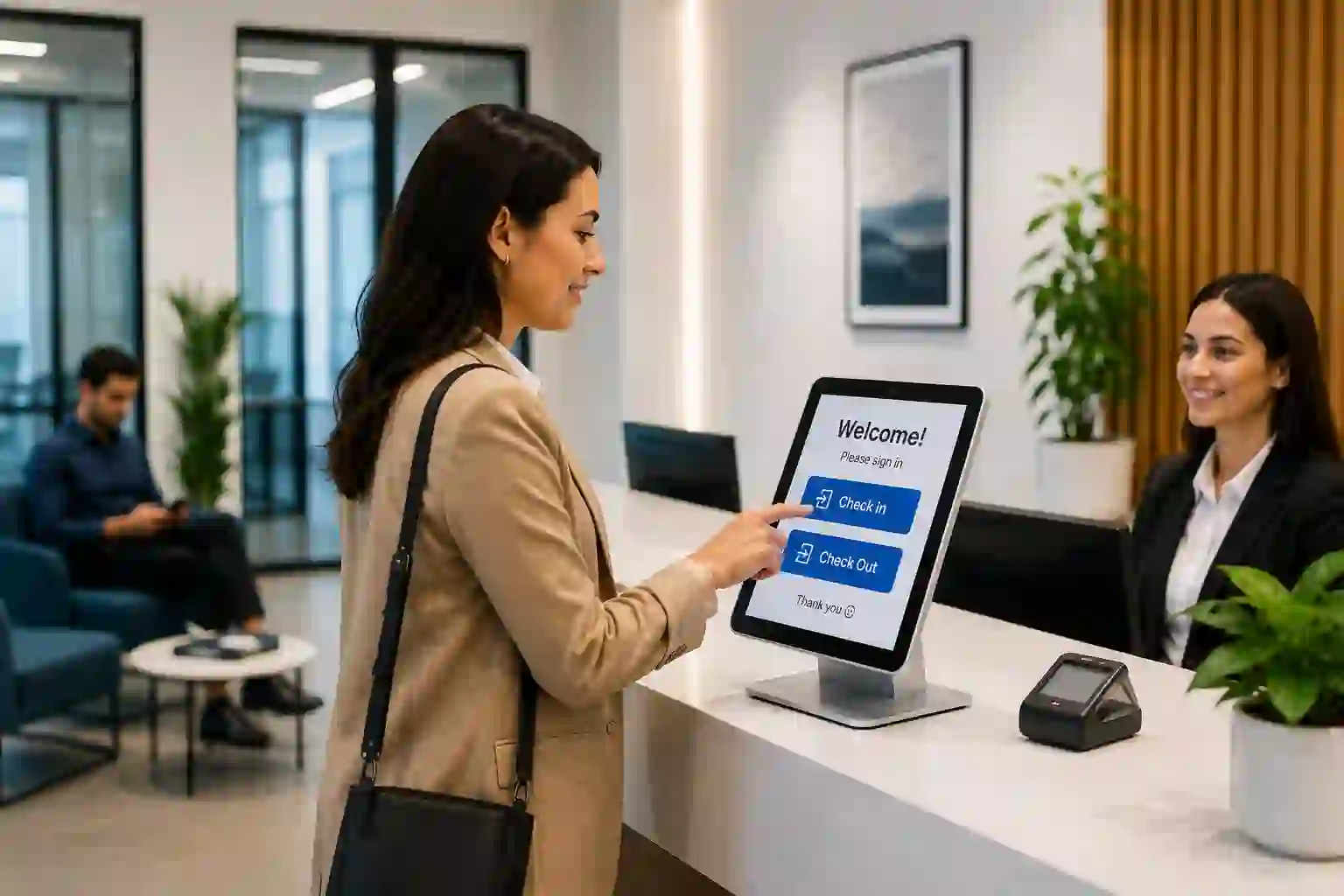
A self-service check-in kiosk is a standalone terminal placed at the entrance of an office or facility that allows visitors to register their own arrival without staff assistance. The visitor interacts directly with the kiosk, the system handles identity capture, host notification, and badge printing automatically, and the check-in is complete.
The global self-service kiosk market is valued at $44.09 billion in 2025 and is projected to reach $65.31 billion by 2030, according to Research and Markets. That growth is being driven not by restaurants or retail alone, but by corporate facilities, healthcare providers, government buildings, and educational institutions that have recognized the operational case for self-service entry.
For offices specifically, the kiosk sits at the intersection of three things every front desk needs to get right: speed, security, and first impression.
How Does It Work?
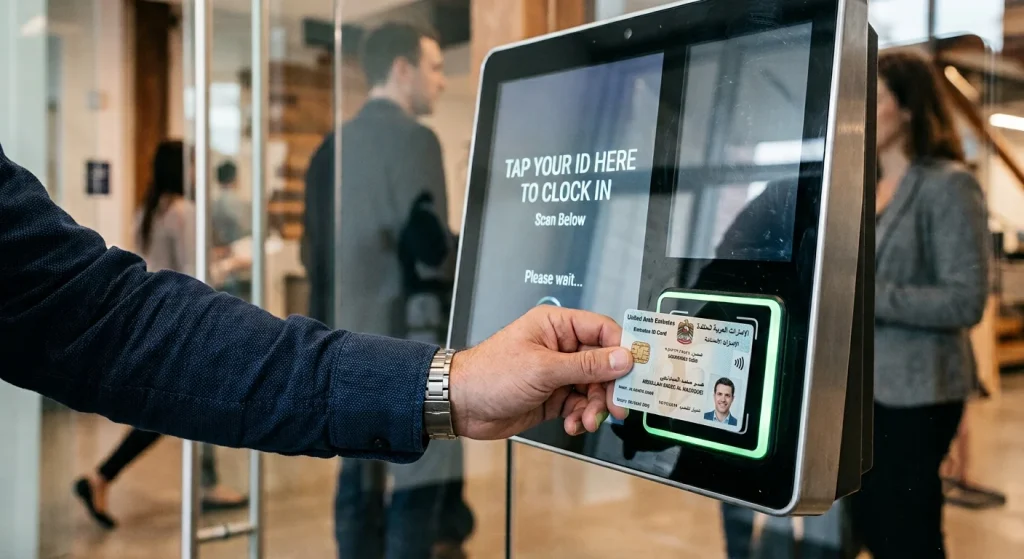
The process is straightforward, and that is by design. A well-built kiosk should not require any instruction.
A visitor walks up to the kiosk and selects their visit type, whether they are a pre-registered guest, a walk-in, a contractor, or a delivery. They then verify their identity, either by scanning an Emirates ID or passport, entering a pre-registration code, or presenting a QR code sent in advance. The system confirms their details, prints a badge with their name, photo, and access zone, and simultaneously sends a notification to their host via SMS, Email, WhatsApp and app push notification.
The whole interaction typically takes between 30 and 60 seconds for a walk-in visitor. For someone who has been pre-registered, it takes less than 20.
What happens in the background is equally important. Every check-in is logged with a timestamp, visitor photo, and verified identity, building an audit trail that is always complete, always accurate, and available on demand.
Why Offices Are Making Switch
The honest reason most organizations move to a self-service kiosk is not a single dramatic problem. It is an accumulation of smaller ones that have become routine: the receptionist who is on a call when three visitors arrive at once, the host who never received the call from downstairs, the compliance audit where someone has to manually piece together three months of visitor logs from a shared spreadsheet.
None of these are catastrophic in isolation. Together, they represent a category of operational drag that compounds quietly over time.
McKinsey research suggests that many people prefer self-service options for simple, routine tasks because they are faster and more convenient than waiting for assistance. In an office context, that preference extends to both sides of the desk. Visitors want a faster, more professional check-in. Reception teams want fewer interruptions from repetitive tasks they could not reasonably hand off to anyone else.
A self-service kiosk solves both simultaneously.
What to Look for When Choosing One
Not all kiosks are built for the same environment. Here is what matters when evaluating options for a corporate office.
Identity Verification
A kiosk that only asks a visitor to type their name is not providing verification. It provides a digital version of the clipboard. Look for a system that reads identity documents directly, whether that is an Emirates ID, a passport, or a national ID card, capturing verified data rather than self-reported information.
IX VISPRO reads Emirates ID and passport data at the point of check-in, capturing the visitor’s verified details automatically. No typing required from the visitor, no manual entry required from reception staff, and no ambiguity in the record.
Host Notification
The kiosk handles check-in. The host still needs to know. A system that prints a badge but does not automatically notify the relevant person has only solved half the problem. Look for instant notification via SMS, Email, WhatsApp and app push notification, with the visitor’s name, photo, and arrival time included in the alert.
Badge Printing
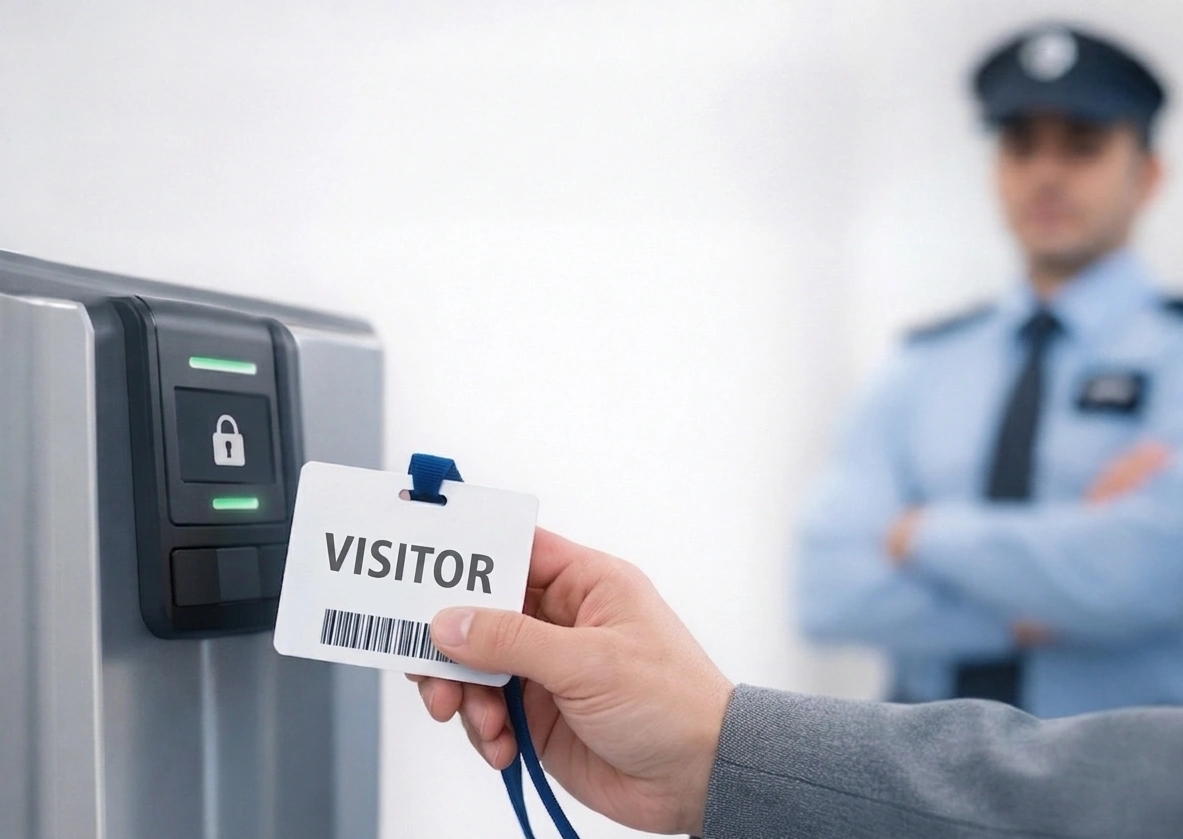
A printed badge serves two purposes: it tells the visitor they have been formally registered, and it tells everyone else in the building who this person is. At minimum, a badge should include the visitor’s name, photo, host name, and date of visit. Access zone information and expiry time add a practical security layer for multi-floor or restricted facilities.
Pre-Registration and QR Check-In
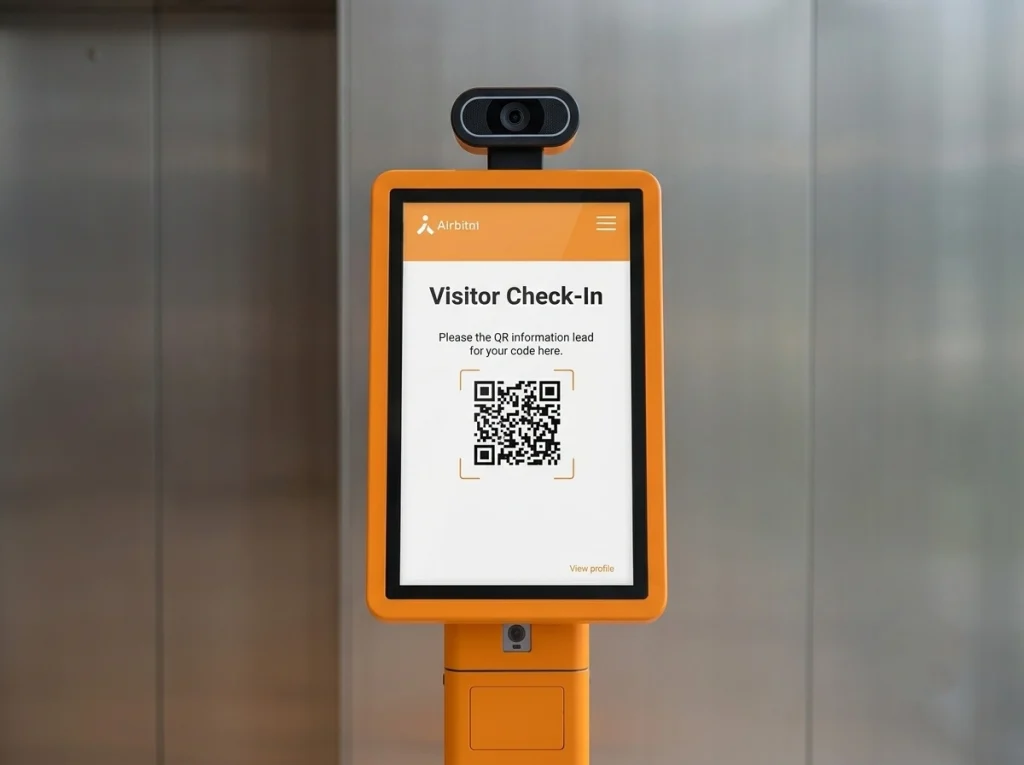
For offices that host planned visits regularly, pre-registration transforms the arrival experience. The host registers the guest in advance through the platform. The visitor receives a QR code by email. On arrival, they scan it at the kiosk and are checked-in immediately. No form-filling, no waiting, no friction.
This is particularly valuable for organizations that regularly host senior clients, international delegations, or government representatives where the arrival experience is part of the professional relationship.
Offline Functionality
Network outages happen. A kiosk that goes offline when connectivity drops is a liability in any busy facility. The right system continues to function fully without internet access and syncs all data automatically once the connection is restored.
Multilingual Interface
In the UAE and across the wider MEA region, Arabic language support is not a bonus feature. It is a basic requirement. Ensure the kiosk interface operates natively in both Arabic and English, and that the management software follows the same standard.
Integration with Existing Infrastructure
A kiosk that operates as a standalone device is useful. A kiosk that connects to your access control system, elevator controls, HR platform, and building management system is operationally transformative. Before committing to any platform, understand how it integrates with what you already have. IX VISPRO’s integration capabilities are built specifically to work with existing third-party hardware without requiring infrastructure replacement.
Who Benefits Most
Self-service check-in kiosks deliver the clearest value in environments with consistent visitor traffic, security and compliance requirements, or a strong need to project professionalism at the front door.
Corporate offices in free zones and business districts, where client and partner visits are regular and the lobby experience directly reflects the brand, see immediate impact. Healthcare facilities managing multiple visitor categories across restricted zones benefit from the verification and tracking capability. Government buildings and regulated institutions benefit from the audit trail and identity verification. Educational campuses benefit from volume handling and flexible visitor type management.
The common thread across all of them is this: a well-deployed kiosk removes a category of work from the reception team’s queue, improves the accuracy of visitor records, and delivers a more consistent experience to every person who walks through the door.
The Practical Questions
How long does deployment take?
For a standard single-location setup, most deployments are operational within a short timeframe. IX VISPRO provides full onboarding support, and the platform is designed to integrate with existing systems without major infrastructure work.
What happens to visitor data?
Data captured at the kiosk is encrypted, access-controlled, and stored in line with UAE Federal Decree-Law No. 45 on data protection. Visitor information is not visible to other guests and is only accessible by authorized personnel.
Does it replace the receptionist?
Not entirely, and that is not the point. The kiosk handles the repetitive, transactional elements of check-in. Reception staff focus on genuinely complex visitor needs, relationship management, and tasks that require human judgement. Most organizations report that staff find the transition a significant improvement to their working day.
Getting Started
The easiest way to evaluate whether a self-service check-in kiosk is right for your office is to see one running in an environment like yours. The operational difference between a manual check-in process and a well-deployed kiosk is significant enough that it is difficult to fully appreciate on paper.
IX VISPRO offers a purpose-built visitor management and kiosk solution for the UAE and MEA market, with Emirates ID scanning, pre-registration, badge printing, host notification, and real-time reporting built in from day one. Book a demo and see what your front desk could look like.